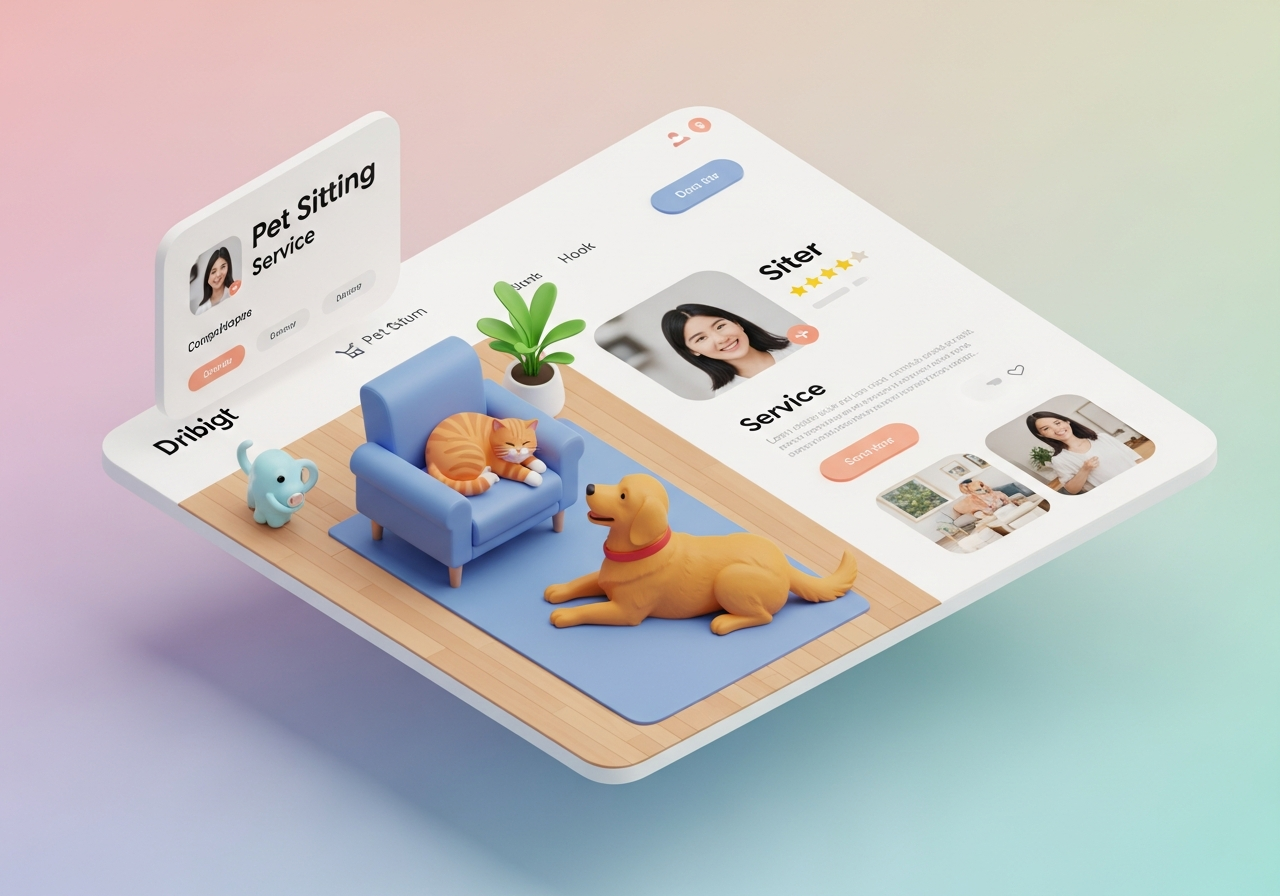
Pet Sitting Website Tips: Get More Local Clients in 2026
Pet SittersPet sitting business website: turn visitors into bookings
If you want more local clients, your pet sitting website is the single most important tool you own. In the next few minutes you’ll learn what a high-converting pet sitter site looks like, which elements to add right away, and quick local SEO wins to get found by pet owners in your area in 2026.
What a high-converting pet sitting website includes
Make these elements obvious and easy to use:
- Clear headline with service + service area (example: "Trusted Pet Sitting in [Your City]")
- One-sentence value statement that explains what customers get
- Prominent lead form or booking button above the fold
- Services list with clear starting rates or “from” pricing
- Mobile-first photos showing you with real pets and happy clients
- Short testimonials and visible review links (Google Business Profile)
- FAQ answering safety, coverage, and scheduling concerns
- Contact info, a clear service area map, and business hours
- Fast hosting, optimized images, and quick load times for mobile
Why local SEO matters for pet sitters (quick wins)
Local search drives most bookings. Start with these practical moves:
- Use natural location phrases on your homepage and service pages (for example, "pet sitter in [Neighborhood]").
- Create a single strong service page for each core offering (drop-ins, overnight, dog walking) and use city/neighborhood names where appropriate.
- Claim and optimize your Google Business Profile — keep hours, services, and photos current.
- Ask satisfied clients for Google reviews and display them prominently on-site.
- Add local contact details (phone with area code, local address if you have one) and embed a map.
Quick link ideas to include on your site: how to price services, local SEO tips for pet sitters, setup checklist for Google Business.
How to structure your homepage for conversions
- Headline + one-sentence subhead that includes your main service and location
- Primary CTA button (Book a Visit / Request Meet & Greet)
- Short service summary with starting rates
- Lead form (3–4 fields) visible on desktop and mobile
- Testimonials and trust signals close to the CTA
Sample 4-field lead form that converts
- Full name
- Phone or email
- Service needed (drop-in, overnight, dog walk)
- Preferred dates/time
Keep the form fast to submit and follow up within 24 hours — speed converts.
Use content to win local search (target People Also Ask)
- Answer common questions verbatim in an FAQ (e.g., "How much does pet sitting cost?") to target People Also Ask results.
- Use clear H2/H3 Q&A headings like "How do I book a pet sitter?" and "What areas do you cover?" for snippet opportunities.
- Add structured data where possible (FAQ and LocalBusiness schema) to help search engines feature your content.
Design tips: mobile-first and fast
- Large, tappable CTAs and forms
- Short, scannable paragraphs and clear visual hierarchy
- Optimize images (WebP or compressed JPEG) and enable browser caching
- Simple menu with direct links to Services, Pricing, Reviews, Contact
How much should a pet sitter website cost?
Costs vary, but prioritize ROI: a fast, mobile-ready custom site with lead capture usually pays for itself in new bookings. Affordable custom sites start at $249 with low monthly hosting options — built with lead forms and fast hosting so you can get bookings sooner.
Quick checklist: launch a working site this week
- Gather 6–10 real photos and 2–3 short testimonials
- Write concise service descriptions and starting rates
- Choose service-area keywords (city & neighborhoods)
- Create a short headline and a clear CTA
- Add a 3–4 field lead form on the homepage
- Publish and list your site on Google Business Profile
FAQs (short answers pet owners search for)
What should I put on a pet sitter website?
Services, rates, photos, testimonials, an easy booking form, and clear contact info — plus answers to common safety questions.
How do I get clients from my pet sitting website?
Optimize for local search, use a prominent lead form, collect reviews, and promote the site on social and local directories.
Why Fetch My Site helps pet sitters win online
Fetch My Site builds mobile-first, custom pet sitter websites with built-in lead forms, fast hosting, and a 100% digital process so you can be live quickly without technical headaches. Pricing example: one-time $249 setup plus $9/month hosting.
Ready to convert more local pet owners? Use the checklist above, optimize for local search, or get a custom pet sitter site starting at a one-time $249 setup to start collecting leads and bookings faster.